The AI Tools We Actually Use — A Starter Guide for Small Businesses
Best tools that we recommend small business owners
Insights
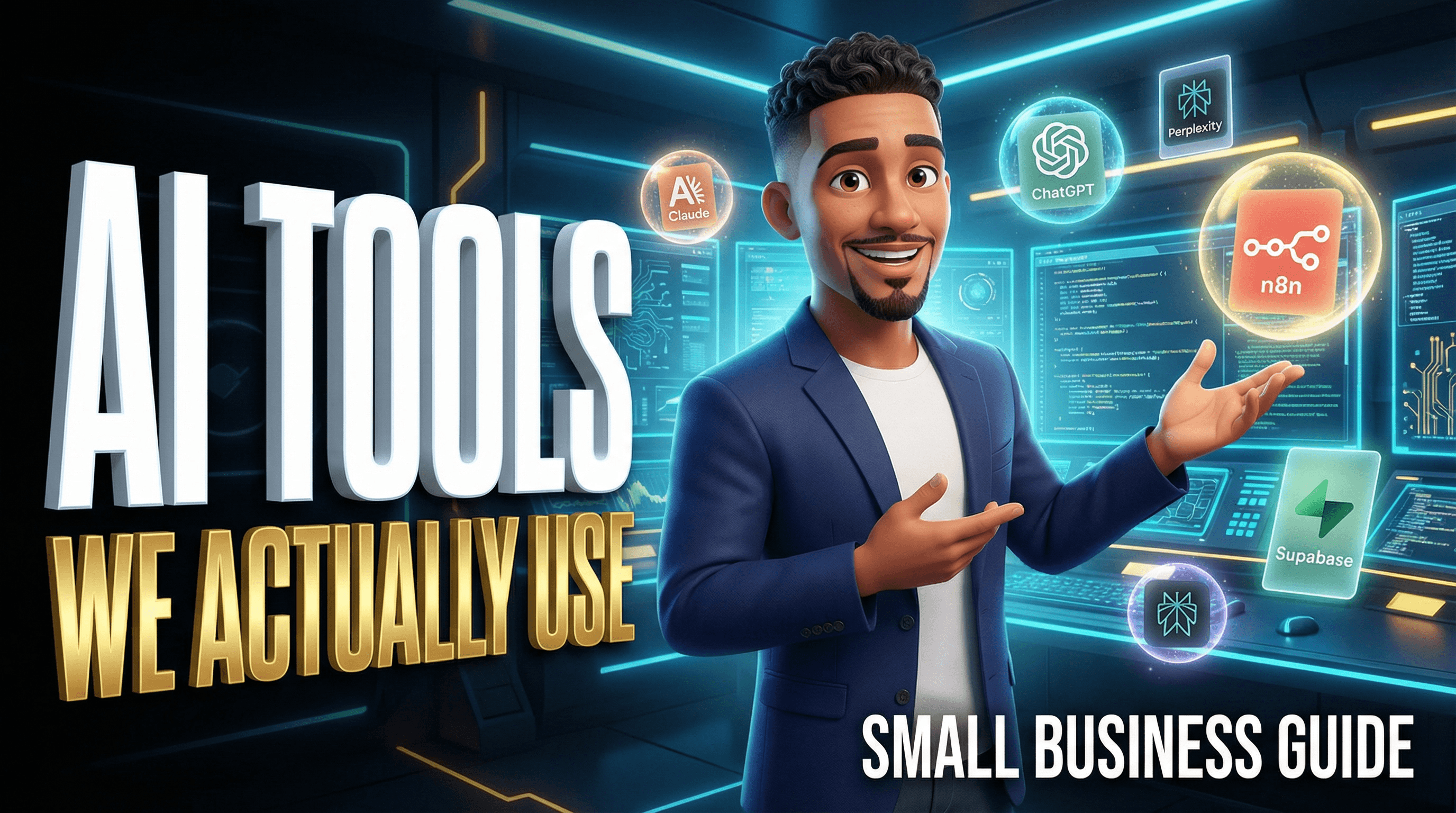
Let Me Save You Some Time
I'm not going to sit here and tell you that you need to spend thousands of dollars on software to compete. Because you don't. When I was first building out my operation I went through a lot of trial and error figuring out which tools were actually worth it and which ones were just hype. This blog is me handing you the shortcut.
Everything on this list is something my team and I actually use. Some of it is free or close to free. Some of it scales with you as you grow. If you are a small team, a solo operator, or a business that is just getting started and doesn't have a lot of budget to throw around — start here.
One thing before we get into it. Cybersecurity matters. Any time you are downloading a tool to your desktop or connecting it to your accounts, make sure you know exactly what permissions you are giving it and what kind of data you have on that machine. I am not trying to scare you away from any of these tools — I use them myself. But I would rather tell you upfront than have you blame yourself later for not being careful. We will touch on that more at the end.

The Core AI Tools — Research, Writing, and Thinking
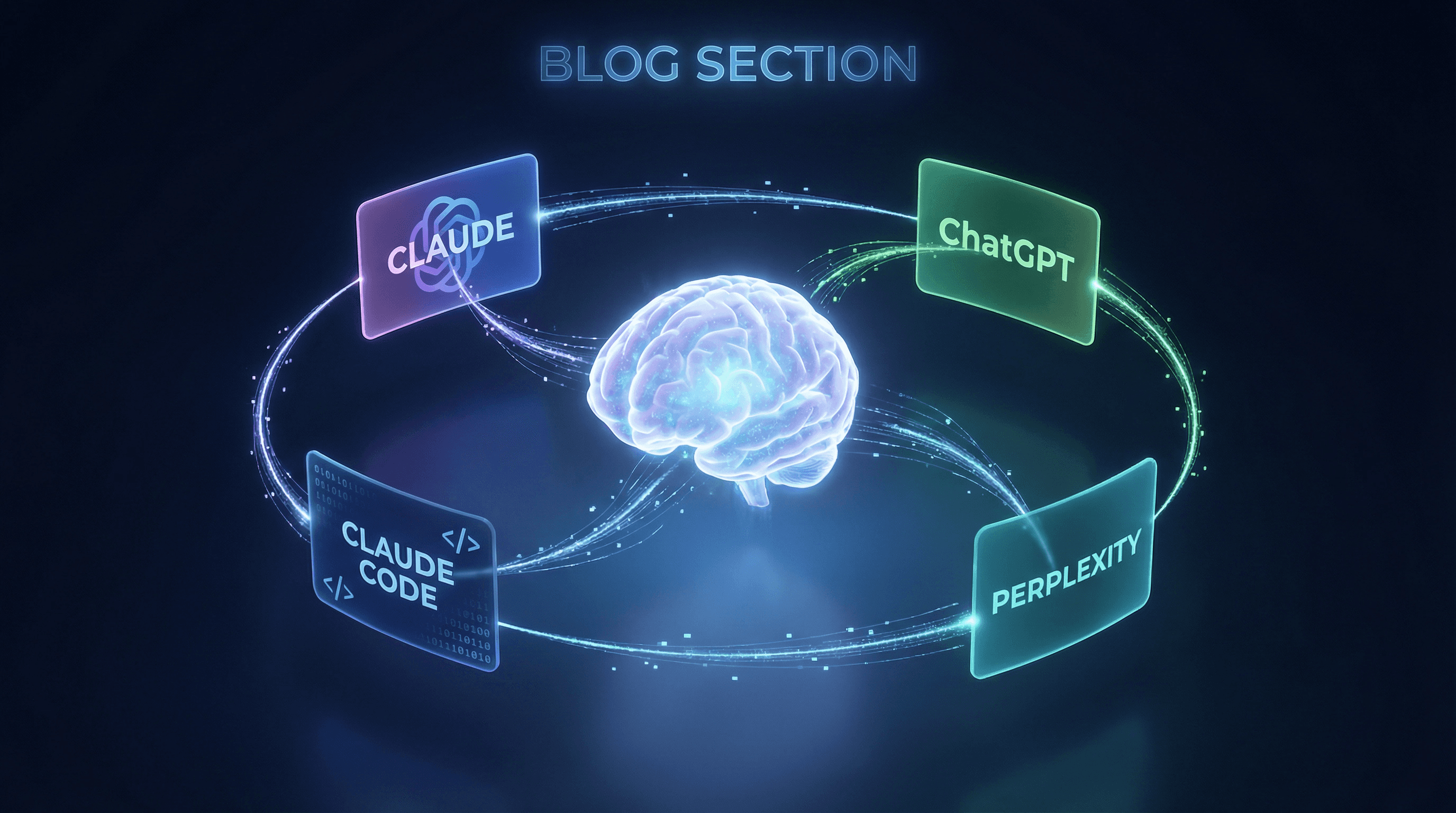
Claude Max — Our Main Tool and Honestly Our Best Investment This is the one we use the most. Claude Max is the most powerful tier from Anthropic and the way I describe it to people is simple — it is a PhD level tutor that never sleeps. It helps us write, build, research, strategize, code, and think through problems at a level that nothing else on this list matches. If you are only going to start with one AI tool this is the one I recommend. It is not the cheapest option but it is the most capable and the most versatile for running a real business.
Claude Code — For Building Custom Software This is the version of Claude that actually writes and executes code. If you have a technical project — a custom backend, an automation script, a web app — Claude Code is what we use to build it. You do not need to be a developer to use it but having a basic understanding of what you are asking it to do helps. This is not a beginner tool but as you grow this is where the real power is.
ChatGPT — Good for General Use Most people already know this one. We use it for quick tasks, general research, and as a secondary check when we want a second opinion on something. It is not our primary tool but it has its place. The free version is solid for someone just starting out.
Perplexity — For Research This is our go to for research. When I need to pull accurate current information fast — market data, competitor analysis, news — Perplexity searches the web in real time and cites its sources so you can verify what it is telling you. We use this heavily in our real estate operations and it has cut our research time by about 50 percent. There is a free tier that works well for most people starting out.
Tools for Marketing, Design, and Automation
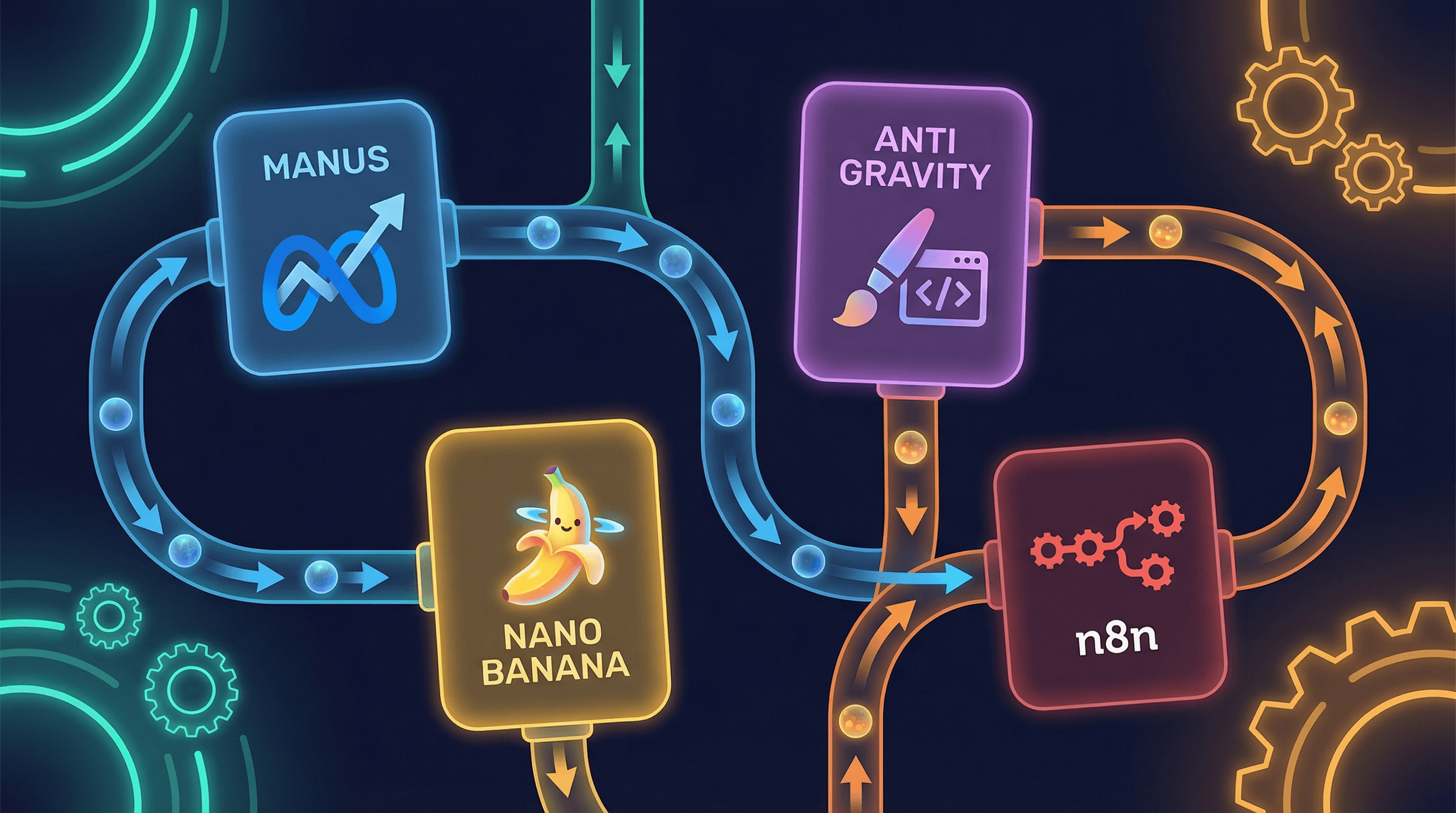
Manus — For Meta Ads If you are running ads on Facebook or Instagram, Manus is worth looking at. We use it specifically for Meta ad workflows. It helps streamline the process of building and managing campaigns without having to live inside Meta's interface all day. If paid social is part of your marketing strategy this one is worth exploring.
Anti Gravity — For Front End Design This is what we use for front end design work. If you need to build something that looks good fast without spending weeks fighting with a page builder, Anti Gravity is a strong option. Clean output and good for client facing work.
Nano Banana — For Image Generation We use this for AI generated images. Out of everything we tested this gave us the best quality at the best price point. If you are producing content regularly and need visuals without paying a photographer every time this is worth adding to your stack. Free to start and scales affordably.
n8n — For Automation Workflows This one takes a little more setup but once it is running it is one of the most powerful tools on this list. n8n is an open source automation platform that connects your apps and tools together so they can work without you manually doing anything. Think of it like building a pipeline — when this happens, do that automatically. We use it to automate posting, data movement, notifications, and back end work that would otherwise eat up hours every week. There is a free self hosted version which is great if you are on a tight budget.
Backend and Custom Builds — When You Are Ready to Scale
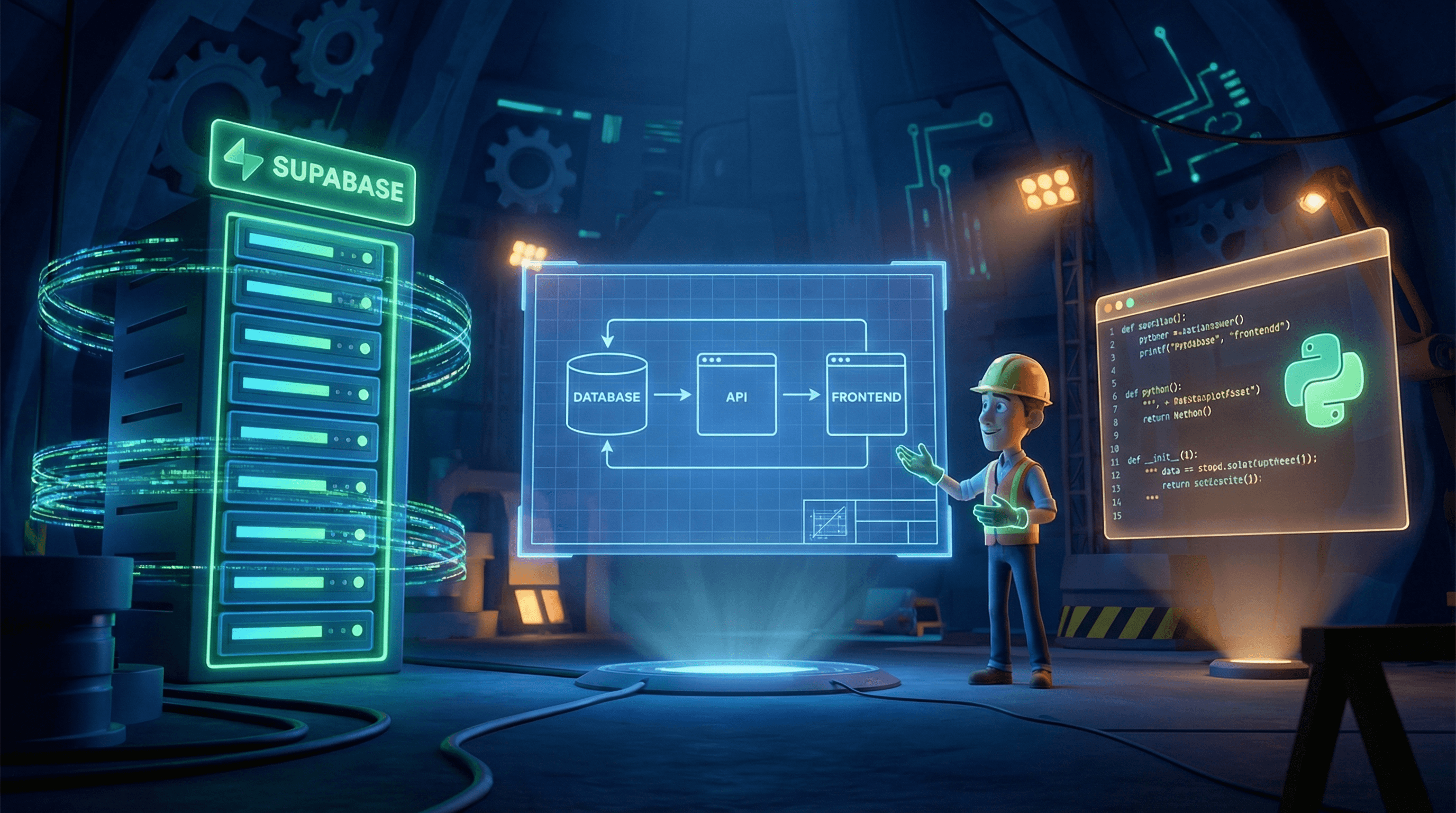
Supabase — For Backend Infrastructure When a client needs a real backend — a database, authentication, storage, API connections — Supabase is our first choice. It is open source, well documented, and the free tier is generous enough to get a real project off the ground. We have used it on multiple client builds. If you are building anything that needs to store and manage data this is where we start.
Python Scripts — For Custom Automation Sometimes the best tool is one you build yourself. We use Python scripts for custom automation tasks that no off the shelf tool handles exactly right. This is not something I recommend for a complete beginner but if you have someone technical on your team or you are learning it yourself — Python combined with Claude Code is one of the most powerful combinations we have found for building exactly what you need at a fraction of the cost of enterprise software
A Quick Word on Cybersecurity — Do Not Skip This
I said I would come back to this and I meant it. When you are downloading tools, connecting apps, and giving software access to your accounts you need to be intentional about it. Here are the basics I follow every time.
Only download tools from their official websites. Not third party links. Not someone's Google Drive. The official source only.
Before you connect any tool to your accounts check what permissions it is asking for. If a tool for image generation is asking for access to your email and contacts that is a red flag.
Keep sensitive information off shared machines. If you are using a computer that other people have access to be careful about what tools are installed and what accounts are logged in.
Use strong unique passwords for every platform. A password manager is worth the investment. We use one on every client account we manage.
None of this should scare you away from using these tools. They are legitimate and we use them ourselves. But protecting your data and your clients data is part of running a real business. Build that habit early.
CONTENT - 6
Start Small. Stay Consistent. Ask Questions.
You do not need all of these tools on day one. Pick one or two that match where you are right now and get good at those before you add more. The biggest mistake I see small businesses make with AI is trying to implement everything at once and getting overwhelmed.
If you are brand new — start with Claude and Perplexity. That alone will change how you work.
If you have questions about any of these tools, how to set them up, or how we use them in our actual client work — come find us on YouTube. We are dropping walkthrough videos on all of this. Drop your question in the comments and we will answer it or turn it into a video.
You can also reach out directly through the contact form on this site. We are here.
IMAGE SUGGESTIONS
Image 1 Cover — 3D animated character sitting at a desk surrounded by glowing app icons floating in the air, premium tech feel
Image 2 — Animated character using a laptop with Claude interface visible on screen
Image 3 — Flat 2D style icons of each tool laid out like a toolkit on a workbench
Image 4 — Animated character building automation pipelines, connected nodes glowing
Image 5 — Character pointing to a security shield, cybersecurity theme, clean and simple

More to Discover

The AI Tools We Actually Use — A Starter Guide for Small Businesses
Best tools that we recommend small business owners
Insights
Let Me Save You Some Time
I'm not going to sit here and tell you that you need to spend thousands of dollars on software to compete. Because you don't. When I was first building out my operation I went through a lot of trial and error figuring out which tools were actually worth it and which ones were just hype. This blog is me handing you the shortcut.
Everything on this list is something my team and I actually use. Some of it is free or close to free. Some of it scales with you as you grow. If you are a small team, a solo operator, or a business that is just getting started and doesn't have a lot of budget to throw around — start here.
One thing before we get into it. Cybersecurity matters. Any time you are downloading a tool to your desktop or connecting it to your accounts, make sure you know exactly what permissions you are giving it and what kind of data you have on that machine. I am not trying to scare you away from any of these tools — I use them myself. But I would rather tell you upfront than have you blame yourself later for not being careful. We will touch on that more at the end.
The Core AI Tools — Research, Writing, and Thinking
Claude Max — Our Main Tool and Honestly Our Best Investment This is the one we use the most. Claude Max is the most powerful tier from Anthropic and the way I describe it to people is simple — it is a PhD level tutor that never sleeps. It helps us write, build, research, strategize, code, and think through problems at a level that nothing else on this list matches. If you are only going to start with one AI tool this is the one I recommend. It is not the cheapest option but it is the most capable and the most versatile for running a real business.
Claude Code — For Building Custom Software This is the version of Claude that actually writes and executes code. If you have a technical project — a custom backend, an automation script, a web app — Claude Code is what we use to build it. You do not need to be a developer to use it but having a basic understanding of what you are asking it to do helps. This is not a beginner tool but as you grow this is where the real power is.
ChatGPT — Good for General Use Most people already know this one. We use it for quick tasks, general research, and as a secondary check when we want a second opinion on something. It is not our primary tool but it has its place. The free version is solid for someone just starting out.
Perplexity — For Research This is our go to for research. When I need to pull accurate current information fast — market data, competitor analysis, news — Perplexity searches the web in real time and cites its sources so you can verify what it is telling you. We use this heavily in our real estate operations and it has cut our research time by about 50 percent. There is a free tier that works well for most people starting out.
Tools for Marketing, Design, and Automation
Manus — For Meta Ads If you are running ads on Facebook or Instagram, Manus is worth looking at. We use it specifically for Meta ad workflows. It helps streamline the process of building and managing campaigns without having to live inside Meta's interface all day. If paid social is part of your marketing strategy this one is worth exploring.
Anti Gravity — For Front End Design This is what we use for front end design work. If you need to build something that looks good fast without spending weeks fighting with a page builder, Anti Gravity is a strong option. Clean output and good for client facing work.
Nano Banana — For Image Generation We use this for AI generated images. Out of everything we tested this gave us the best quality at the best price point. If you are producing content regularly and need visuals without paying a photographer every time this is worth adding to your stack. Free to start and scales affordably.
n8n — For Automation Workflows This one takes a little more setup but once it is running it is one of the most powerful tools on this list. n8n is an open source automation platform that connects your apps and tools together so they can work without you manually doing anything. Think of it like building a pipeline — when this happens, do that automatically. We use it to automate posting, data movement, notifications, and back end work that would otherwise eat up hours every week. There is a free self hosted version which is great if you are on a tight budget.
Backend and Custom Builds — When You Are Ready to Scale
Supabase — For Backend Infrastructure When a client needs a real backend — a database, authentication, storage, API connections — Supabase is our first choice. It is open source, well documented, and the free tier is generous enough to get a real project off the ground. We have used it on multiple client builds. If you are building anything that needs to store and manage data this is where we start.
Python Scripts — For Custom Automation Sometimes the best tool is one you build yourself. We use Python scripts for custom automation tasks that no off the shelf tool handles exactly right. This is not something I recommend for a complete beginner but if you have someone technical on your team or you are learning it yourself — Python combined with Claude Code is one of the most powerful combinations we have found for building exactly what you need at a fraction of the cost of enterprise software
A Quick Word on Cybersecurity — Do Not Skip This
I said I would come back to this and I meant it. When you are downloading tools, connecting apps, and giving software access to your accounts you need to be intentional about it. Here are the basics I follow every time.
Only download tools from their official websites. Not third party links. Not someone's Google Drive. The official source only.
Before you connect any tool to your accounts check what permissions it is asking for. If a tool for image generation is asking for access to your email and contacts that is a red flag.
Keep sensitive information off shared machines. If you are using a computer that other people have access to be careful about what tools are installed and what accounts are logged in.
Use strong unique passwords for every platform. A password manager is worth the investment. We use one on every client account we manage.
None of this should scare you away from using these tools. They are legitimate and we use them ourselves. But protecting your data and your clients data is part of running a real business. Build that habit early.
CONTENT - 6
Start Small. Stay Consistent. Ask Questions.
You do not need all of these tools on day one. Pick one or two that match where you are right now and get good at those before you add more. The biggest mistake I see small businesses make with AI is trying to implement everything at once and getting overwhelmed.
If you are brand new — start with Claude and Perplexity. That alone will change how you work.
If you have questions about any of these tools, how to set them up, or how we use them in our actual client work — come find us on YouTube. We are dropping walkthrough videos on all of this. Drop your question in the comments and we will answer it or turn it into a video.
You can also reach out directly through the contact form on this site. We are here.
IMAGE SUGGESTIONS
Image 1 Cover — 3D animated character sitting at a desk surrounded by glowing app icons floating in the air, premium tech feel
Image 2 — Animated character using a laptop with Claude interface visible on screen
Image 3 — Flat 2D style icons of each tool laid out like a toolkit on a workbench
Image 4 — Animated character building automation pipelines, connected nodes glowing
Image 5 — Character pointing to a security shield, cybersecurity theme, clean and simple
More to Discover
The AI Tools We Actually Use — A Starter Guide for Small Businesses
Best tools that we recommend small business owners
Insights
Let Me Save You Some Time
I'm not going to sit here and tell you that you need to spend thousands of dollars on software to compete. Because you don't. When I was first building out my operation I went through a lot of trial and error figuring out which tools were actually worth it and which ones were just hype. This blog is me handing you the shortcut.
Everything on this list is something my team and I actually use. Some of it is free or close to free. Some of it scales with you as you grow. If you are a small team, a solo operator, or a business that is just getting started and doesn't have a lot of budget to throw around — start here.
One thing before we get into it. Cybersecurity matters. Any time you are downloading a tool to your desktop or connecting it to your accounts, make sure you know exactly what permissions you are giving it and what kind of data you have on that machine. I am not trying to scare you away from any of these tools — I use them myself. But I would rather tell you upfront than have you blame yourself later for not being careful. We will touch on that more at the end.
The Core AI Tools — Research, Writing, and Thinking
Claude Max — Our Main Tool and Honestly Our Best Investment This is the one we use the most. Claude Max is the most powerful tier from Anthropic and the way I describe it to people is simple — it is a PhD level tutor that never sleeps. It helps us write, build, research, strategize, code, and think through problems at a level that nothing else on this list matches. If you are only going to start with one AI tool this is the one I recommend. It is not the cheapest option but it is the most capable and the most versatile for running a real business.
Claude Code — For Building Custom Software This is the version of Claude that actually writes and executes code. If you have a technical project — a custom backend, an automation script, a web app — Claude Code is what we use to build it. You do not need to be a developer to use it but having a basic understanding of what you are asking it to do helps. This is not a beginner tool but as you grow this is where the real power is.
ChatGPT — Good for General Use Most people already know this one. We use it for quick tasks, general research, and as a secondary check when we want a second opinion on something. It is not our primary tool but it has its place. The free version is solid for someone just starting out.
Perplexity — For Research This is our go to for research. When I need to pull accurate current information fast — market data, competitor analysis, news — Perplexity searches the web in real time and cites its sources so you can verify what it is telling you. We use this heavily in our real estate operations and it has cut our research time by about 50 percent. There is a free tier that works well for most people starting out.
Tools for Marketing, Design, and Automation
Manus — For Meta Ads If you are running ads on Facebook or Instagram, Manus is worth looking at. We use it specifically for Meta ad workflows. It helps streamline the process of building and managing campaigns without having to live inside Meta's interface all day. If paid social is part of your marketing strategy this one is worth exploring.
Anti Gravity — For Front End Design This is what we use for front end design work. If you need to build something that looks good fast without spending weeks fighting with a page builder, Anti Gravity is a strong option. Clean output and good for client facing work.
Nano Banana — For Image Generation We use this for AI generated images. Out of everything we tested this gave us the best quality at the best price point. If you are producing content regularly and need visuals without paying a photographer every time this is worth adding to your stack. Free to start and scales affordably.
n8n — For Automation Workflows This one takes a little more setup but once it is running it is one of the most powerful tools on this list. n8n is an open source automation platform that connects your apps and tools together so they can work without you manually doing anything. Think of it like building a pipeline — when this happens, do that automatically. We use it to automate posting, data movement, notifications, and back end work that would otherwise eat up hours every week. There is a free self hosted version which is great if you are on a tight budget.
Backend and Custom Builds — When You Are Ready to Scale
Supabase — For Backend Infrastructure When a client needs a real backend — a database, authentication, storage, API connections — Supabase is our first choice. It is open source, well documented, and the free tier is generous enough to get a real project off the ground. We have used it on multiple client builds. If you are building anything that needs to store and manage data this is where we start.
Python Scripts — For Custom Automation Sometimes the best tool is one you build yourself. We use Python scripts for custom automation tasks that no off the shelf tool handles exactly right. This is not something I recommend for a complete beginner but if you have someone technical on your team or you are learning it yourself — Python combined with Claude Code is one of the most powerful combinations we have found for building exactly what you need at a fraction of the cost of enterprise software
A Quick Word on Cybersecurity — Do Not Skip This
I said I would come back to this and I meant it. When you are downloading tools, connecting apps, and giving software access to your accounts you need to be intentional about it. Here are the basics I follow every time.
Only download tools from their official websites. Not third party links. Not someone's Google Drive. The official source only.
Before you connect any tool to your accounts check what permissions it is asking for. If a tool for image generation is asking for access to your email and contacts that is a red flag.
Keep sensitive information off shared machines. If you are using a computer that other people have access to be careful about what tools are installed and what accounts are logged in.
Use strong unique passwords for every platform. A password manager is worth the investment. We use one on every client account we manage.
None of this should scare you away from using these tools. They are legitimate and we use them ourselves. But protecting your data and your clients data is part of running a real business. Build that habit early.
CONTENT - 6
Start Small. Stay Consistent. Ask Questions.
You do not need all of these tools on day one. Pick one or two that match where you are right now and get good at those before you add more. The biggest mistake I see small businesses make with AI is trying to implement everything at once and getting overwhelmed.
If you are brand new — start with Claude and Perplexity. That alone will change how you work.
If you have questions about any of these tools, how to set them up, or how we use them in our actual client work — come find us on YouTube. We are dropping walkthrough videos on all of this. Drop your question in the comments and we will answer it or turn it into a video.
You can also reach out directly through the contact form on this site. We are here.
IMAGE SUGGESTIONS
Image 1 Cover — 3D animated character sitting at a desk surrounded by glowing app icons floating in the air, premium tech feel
Image 2 — Animated character using a laptop with Claude interface visible on screen
Image 3 — Flat 2D style icons of each tool laid out like a toolkit on a workbench
Image 4 — Animated character building automation pipelines, connected nodes glowing
Image 5 — Character pointing to a security shield, cybersecurity theme, clean and simple